Everything you need to know to get started.
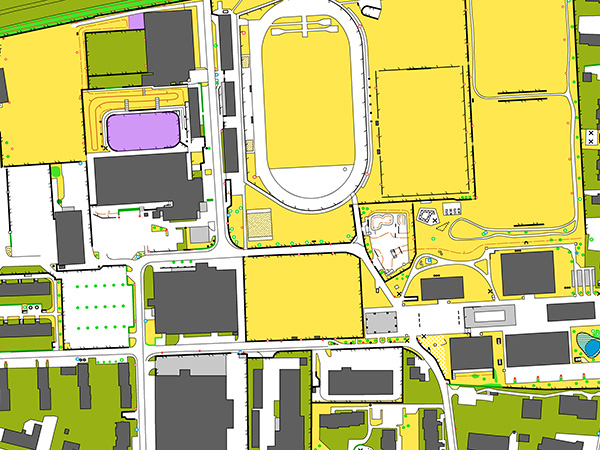
You need a map so that you can walk your route and find the right controls. For the FixFinder we use different map material, which you can select yourself. Swisstopo, Open Streetmap and Satelit are always available. Sometimes there are also special maps for orienteering or simple sketches.
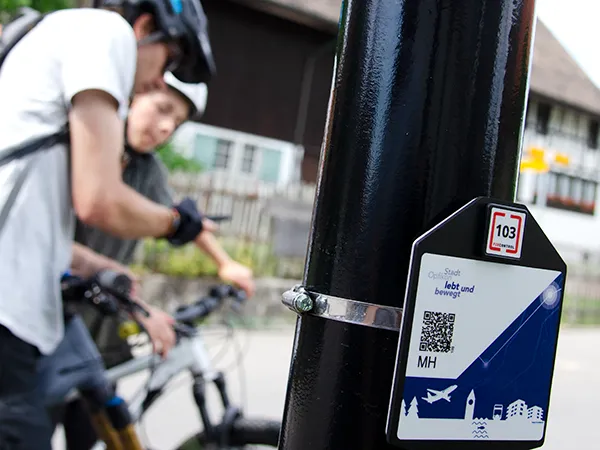
Depending on the course, you acknowledge all or only selected controls. The control number tells you whether you have found the right control. You can acknowledge by scanning the QR code or the tag (NFC) under the bracket, but also by checking the position (GPS). Some controls may only be available virtually, i.e. without a physical marker on site.
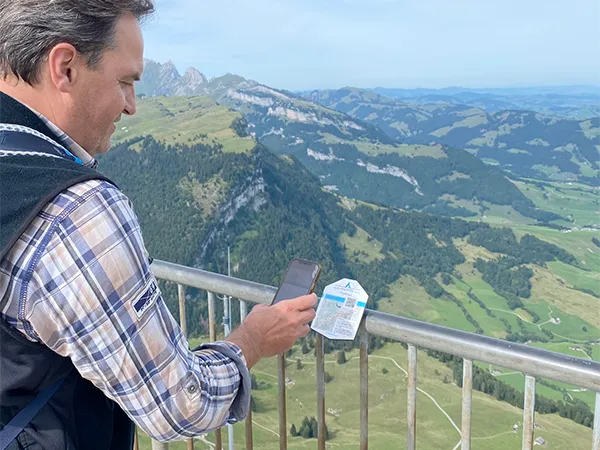
In the app, you select your course and acknowledge the controls you have passed. You will also receive additional multimedia information. The app automatically synchronises your data, which you can also save in your user account.
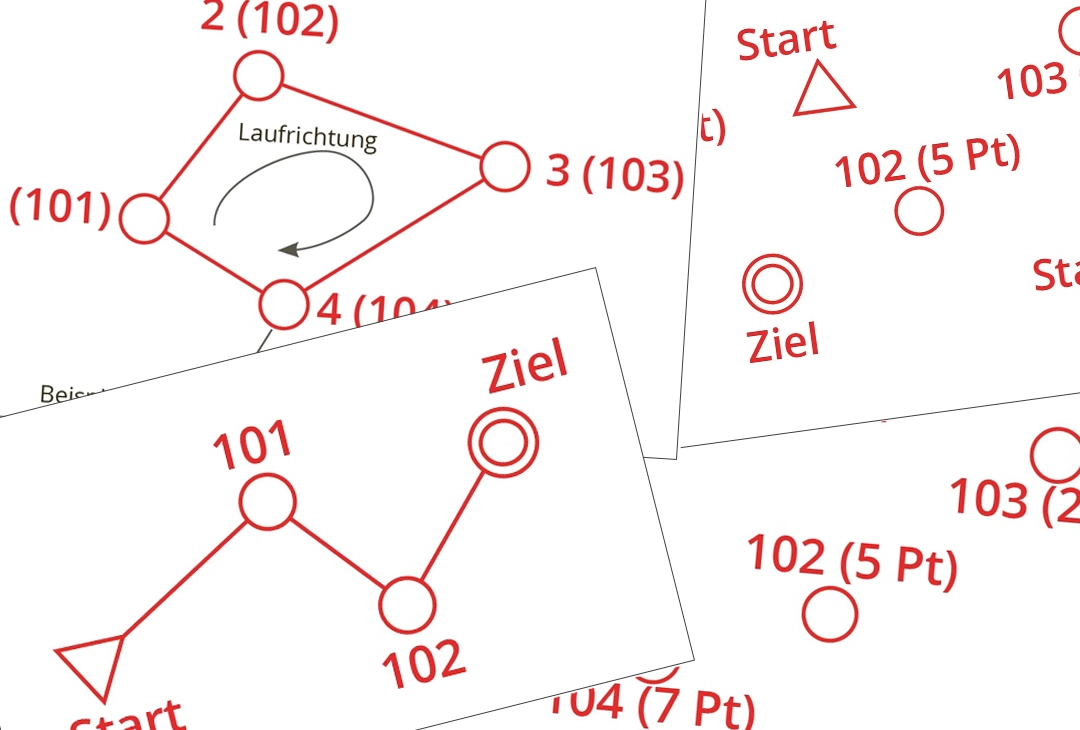
Red circles are marked on the map. These are the locations where you can acknowledge a control. These controls are to be visited in different variations, so-called courses. The start is marked with a triangle, the finish with a double circle. You can choose from different courses in the app.
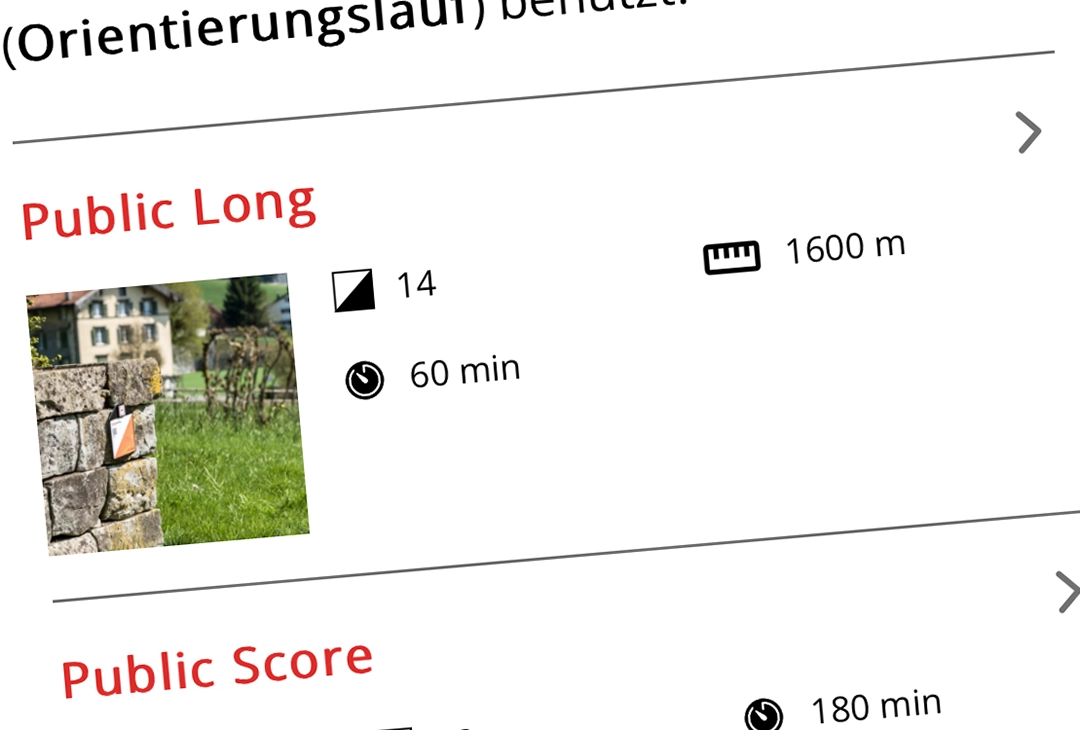
Together with the aids, you are now perfectly equipped for your adventure.




 Français
 English